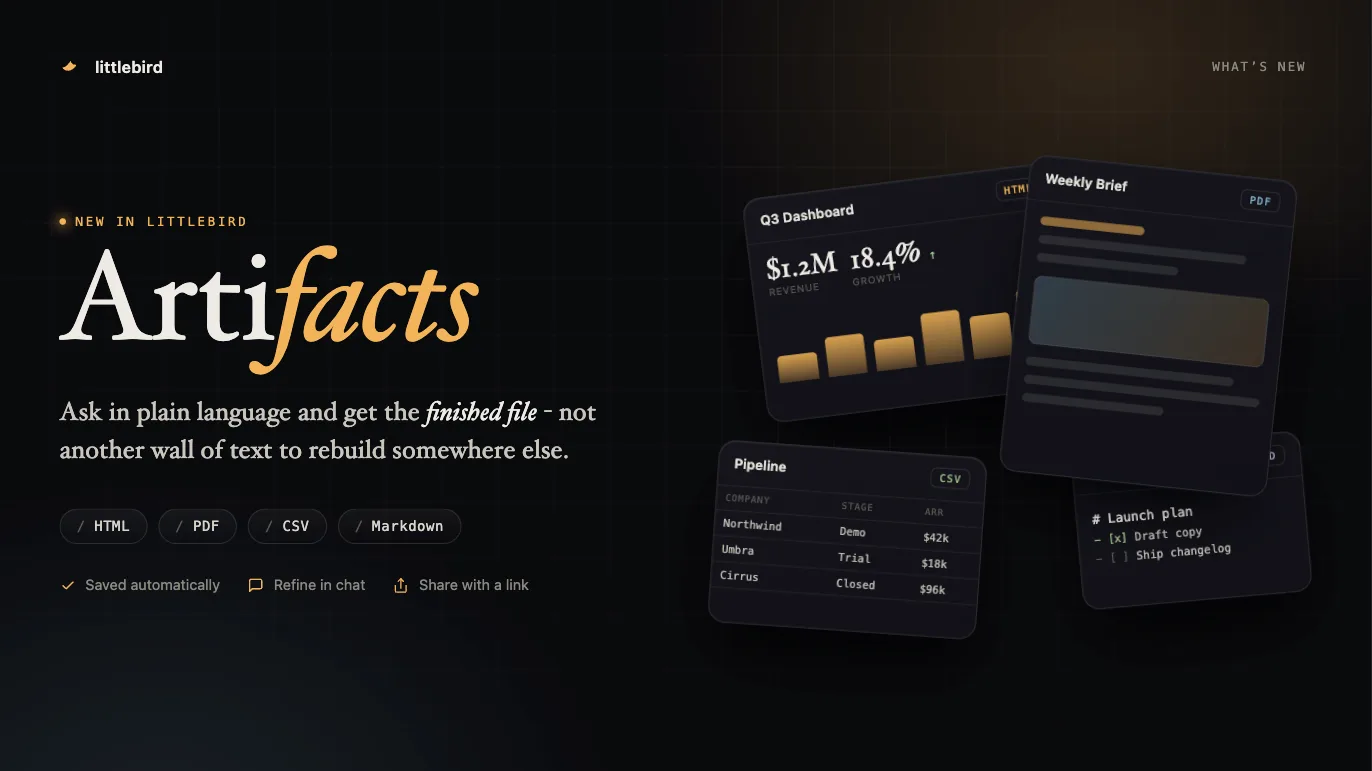
Ask Littlebird for a webpage, PDF, CSV, or Markdown file. Every Artifact is saved automatically, ready to refine, download, or share.
An Artifact is a finished file Littlebird builds for you: a webpage, a PDF, a CSV, or a Markdown document. Ask for one in ordinary language and it appears in Chat, ready to open, refine, download, or share.
Most AI conversations end with text you still have to copy and rebuild somewhere else. An Artifact is the finished thing instead.
Ask for an Artifact
There is no separate mode to turn on. Say what you want in Chat, and name a format if you have one in mind.
A request works best when it covers:
- The outcome: “Create a client-ready weekly report”
- The format: “Deliver it as a PDF”
- The source material: “Use my notes from this project and the CSV I uploaded”
- The audience: “Write it for an executive reader”
- The style: “Keep it minimal, calm, and visual”
- The next action: “Make it suitable to share with the team”
New Artifact also opens a Chat with a few starting points, including a personal website, a visual explainer, a word game built from your recent activity, and a blank prompt.
Littlebird builds the file in a secure cloud workspace and presents only the finished result. Drafts and working files stay out of the conversation.
Formats
| Format | Best for | What you can do with it |
|---|---|---|
| HTML | Webpages, dashboards, interactive explainers, small tools, and games | Preview it, refine it in Chat, download it, or publish it with a shareable link |
| Reports, briefs, resumes, invoices, certificates, and proposals | Preview it, refine it in Chat, download it, or receive it as a Routine email attachment | |
| CSV | Tables, lists, structured research, contact sets, and comparisons | Preview the contents, refine the data in Chat, and download the file |
| Markdown | Plans, notes, documentation, checklists, and research summaries | Read a formatted preview, copy the content, refine it in Chat, or download it |
Office files such as DOCX, XLSX, and PPTX are not Artifact formats, and neither are standalone image files.
Open and refine an Artifact
A finished Artifact appears as a card in Chat. Open it for a full preview without leaving Littlebird.
Each Artifact keeps a link back to the Chat that made it. Select Refine in chat and ask for changes in plain language.
When Littlebird produces an updated file with the same name in the same Chat, the saved Artifact points at the newest version instead of collecting duplicates.
Your Artifact library
Every Artifact Littlebird presents is saved for you, so you do not have to remember which conversation produced it. From Artifacts you can:
- Browse in a grid or a list
- Search by name
- Filter by type
- Open and reload an Artifact
- Return to the Chat that created it
- Download the file
- Share an eligible HTML Artifact
- Delete an Artifact
Use your own images
Upload a JPEG, PNG, or WebP image in Chat and ask Littlebird to use it. Littlebird can place that image into the finished HTML or PDF. It can also generate a new image first and then build it in.
An image is an ingredient in an Artifact, not an Artifact itself. A generated image on its own stays an image result in Chat.
Download an Artifact
Download from the preview when you want the original file:
- HTML downloads as a self-contained webpage
- PDF downloads as a standard PDF
- CSV downloads as a portable data file
- Markdown downloads as a Markdown document
On mobile you can preview HTML, PDF, CSV, and Markdown Artifacts, download them, and share an HTML Artifact.
Share an HTML Artifact
Publish an HTML Artifact as a web page from either the Chat preview or your library, then choose who can open it:
- Public: anyone with the link
- Team: signed-in members of your Littlebird team
- Private: the share is revoked
The link opens a clean web view. If you refine the Artifact afterwards, Littlebird shows that the shared version has an update available, and you can update the link while keeping the same URL. Revoking a share invalidates the old link permanently.
Create Artifacts with Routines
A Routine can produce the same deliverable every time it runs.
The Artifact is attached to that Routine report and saved to your library alongside the ones you make in Chat.
When email is on for the Routine:
- The report arrives by email
- Eligible PDF Artifacts are attached, up to 25 MB each
- HTML, CSV, and Markdown Artifacts stay in Littlebird rather than being attached