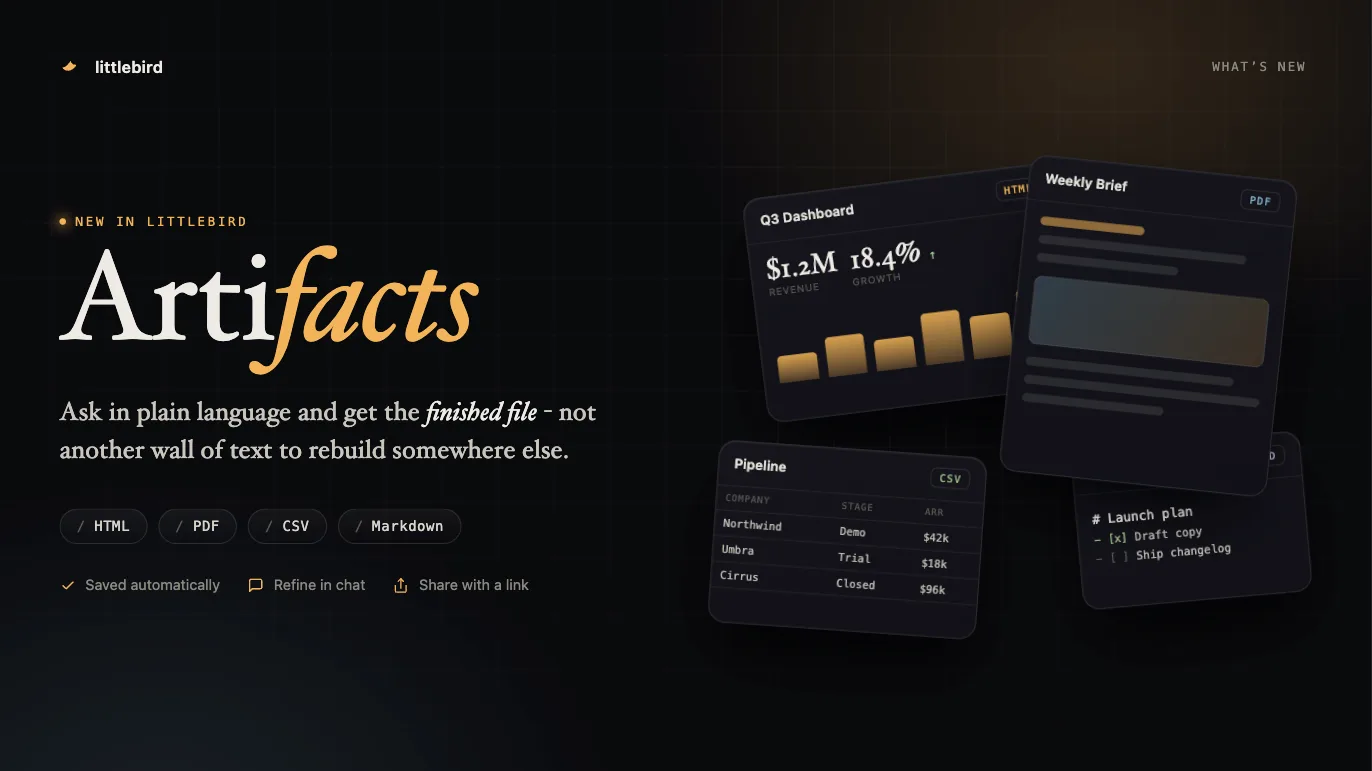
You can now ask Littlebird for a webpage, a PDF, a CSV, or a Markdown document and it will build the file. That is an Artifact. Try this prompt -
An HTML Artifact can also be published as a web page and shared with others.
You can also use a Routine build a new one every run. For example: “Create a PDF summary of the week’s customer feedback every week”. You’ll receive a new PDF in Littlebird and by email every Friday.
#9738#9590#9761#9763#9612#9685#9734Shared Projects For Teams
If you’re a part of team, you can now have shared projects, such that every chat and note part of the project is shared with others.
Open a project, choose Share, and give each person or team Member or Admin access. You can share a project with the whole team or specific people within a team.
#9772#10039#9964#9410Run a Routine from your phone
You can create, run, edit, and delete a Routine from your phone now.
#9883#9886#9815#9817#9818#9865#9994#10035Improvements
- Projects
You can give a project a colored icon or emoji, to distinguish projects easily on the sidebar.
#9978 - Projects
You can add existing chats and notes to a project from the project page itself, with a new picker.
#9920 - Chat
A new Ultra mode for pro users, the max mode is also optimized and should cost lower now.
#9947 - Chat
When Littlebird works through several steps, the expanded list of steps is easier to read. It runs down the message column instead of scrolling inside a short box, and a long step title stays on one line with the full text on hover.
#10004 - Chat
A new account sees better suggested chats at the bottom of Recents.
#9869 - Routines
Ask Littlebird what you could automate and it suggests Routines drawn from how you actually work, then offers to set them up.
#9787 - Meeting
Manually stopping a recording auto generates summary again unless it was a short transcript.
#9943 - Meeting
Meeting notes sit under the day the meeting happened rather than the day the note was created, and a meeting already listed in Coming up no longer appears twice on your phone.
#9797 - Usage
Littlebird tells you before your monthly usage runs out: a notice above the composer at 70% and 90%, the percentage spent and its reset date on the Usage menu, and each Routine’s share of the cycle on its configure panel.
#9823 - Hover
Hummingbird is renamed to Hover. The window, the shortcut, and everything it does are unchanged.
#10042
Fixes
- Chat
Fixed the composer sending the same message twice.
#9973 - Chat
Fixed the share menu for an artifact, a chat, or a meeting note closing itself as it opened, opening the item underneath when you chose team or public, and leaving both selected when you switched between them.
#10024 - Meeting
Fixed meeting prep failing for calendar events whose identifiers are very long.
#10065 - macOS
Fixed signing in failing on devices where refreshing the token ran into an expired certificate.
#9867 - macOS
Fixed Littlebird calling your Mac offline after the machine was renamed, and leaving a duplicate device behind each time.
#9907 - Mobile
Fixed the menu on a Routine report being unreachable when you opened the report from a notification, which put Read aloud, Copy content, and Start chat out of reach.
#10020 - Mobile
Fixed saving an image Littlebird generated for you, and a swipe between images opening the drawer instead of the next image.
#9950 - Mobile
Fixed the screen sleeping while you dictate into the composer, which ended the recording.
#9864